Step 1
Start with the disclaimer
Begin with the wellness boundary so you know what HealthClear is for, what it is not for, and when to involve a clinician.
Review the entry screen ->Educational wellness literacy only — not medical advice, diagnosis, or treatment.
Read disclaimerPlatform guide
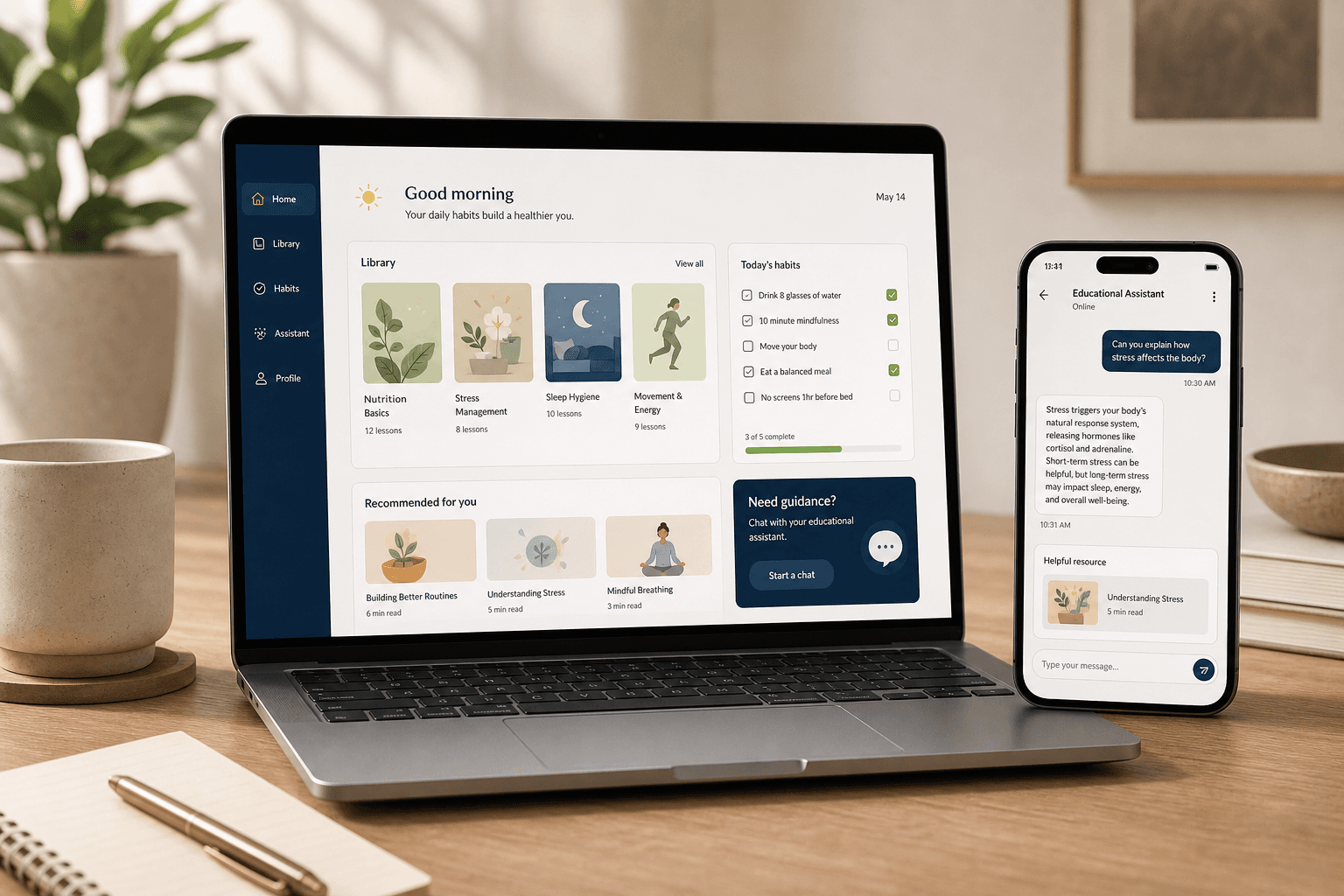
HealthClear is designed to move from boundaries, to understanding, to guided action. You start with the educational disclaimer, explore evidence-based topics, use simple tools, and only then decide whether you want deeper journeys, gated programs, or account-level features.
Monetization model
Public browsing explains the model first. Sign-in starts when someone chooses to enter the app, while premium payment appears when they want deeper structure or private access.
Conversion points
The product is intentionally sequenced so people understand the wellness boundary first, then learn, then act.
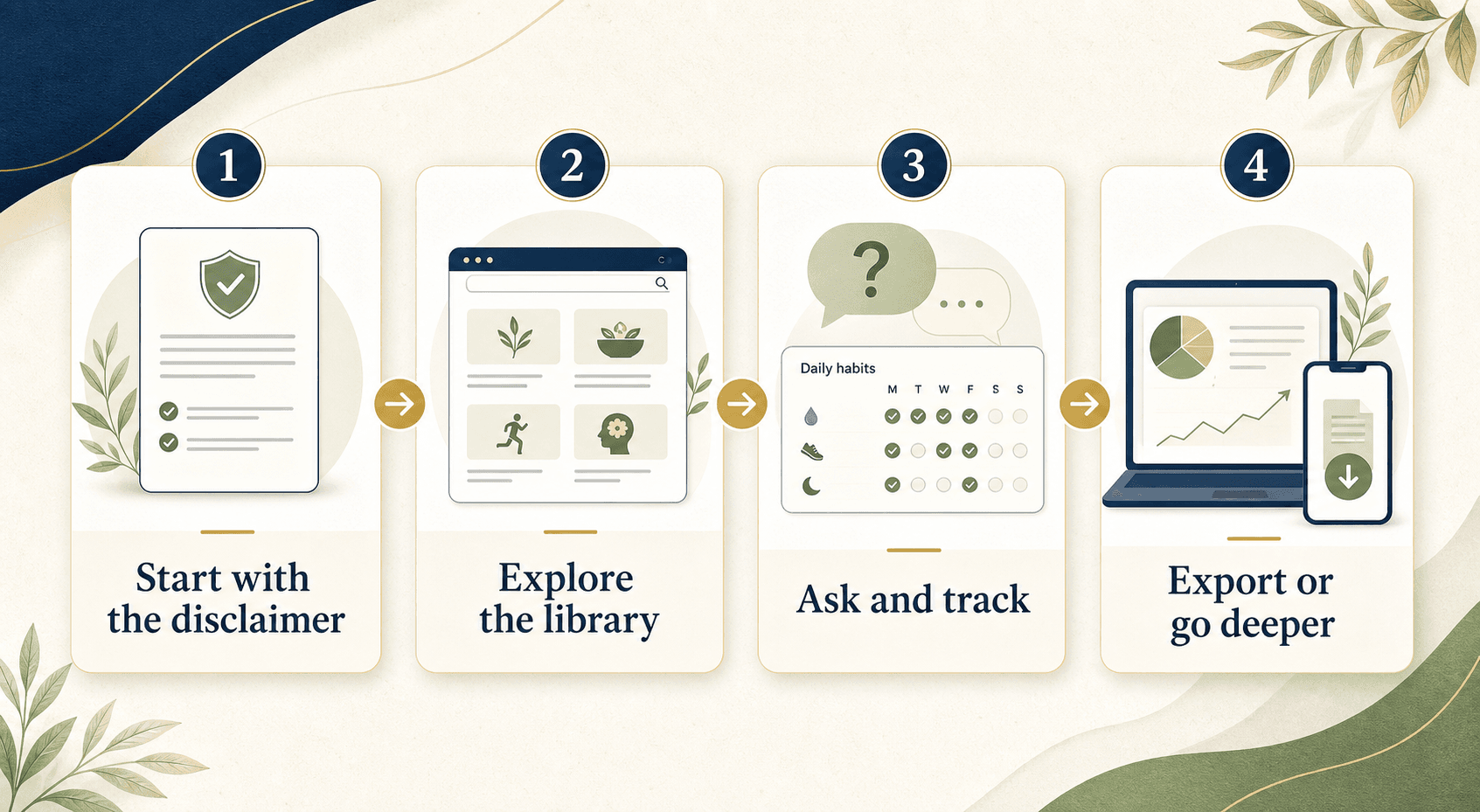
Step 1
Begin with the wellness boundary so you know what HealthClear is for, what it is not for, and when to involve a clinician.
Review the entry screen ->Step 2
Browse plain-language modules on food, movement, sleep, sunlight, supplements, meal timing, and metabolic basics.
Open the library ->Step 3
Create an account entry, ask grounded questions, and use structured wellness tools without turning the app into a diagnostic workflow.
Try the assistant ->Step 4
Continue with guided journeys, premium learning pathways, or export your wellness data when you want a more structured next step.
See journeys ->Each surface has a clear job. The app is meant to reduce confusion, not bury people in overlapping tools.
Evidence-based lessons organized by wellness topic.
A guarded explainer for public guidance with citations.
A premium daily checklist with visual habit prompts for steady routines.
Structured educational paths for multi-week momentum.
Conversation prep for safer, better clinical visits.
Premium case-based learning and longer guided pathways.
Privacy controls, offline saves, and data rights.
If someone is new, the best path is: review the model, accept the disclaimer, sign in, read one library topic, then decide whether to stay in the standard app or unlock Plus.